
One-click cleaning mode
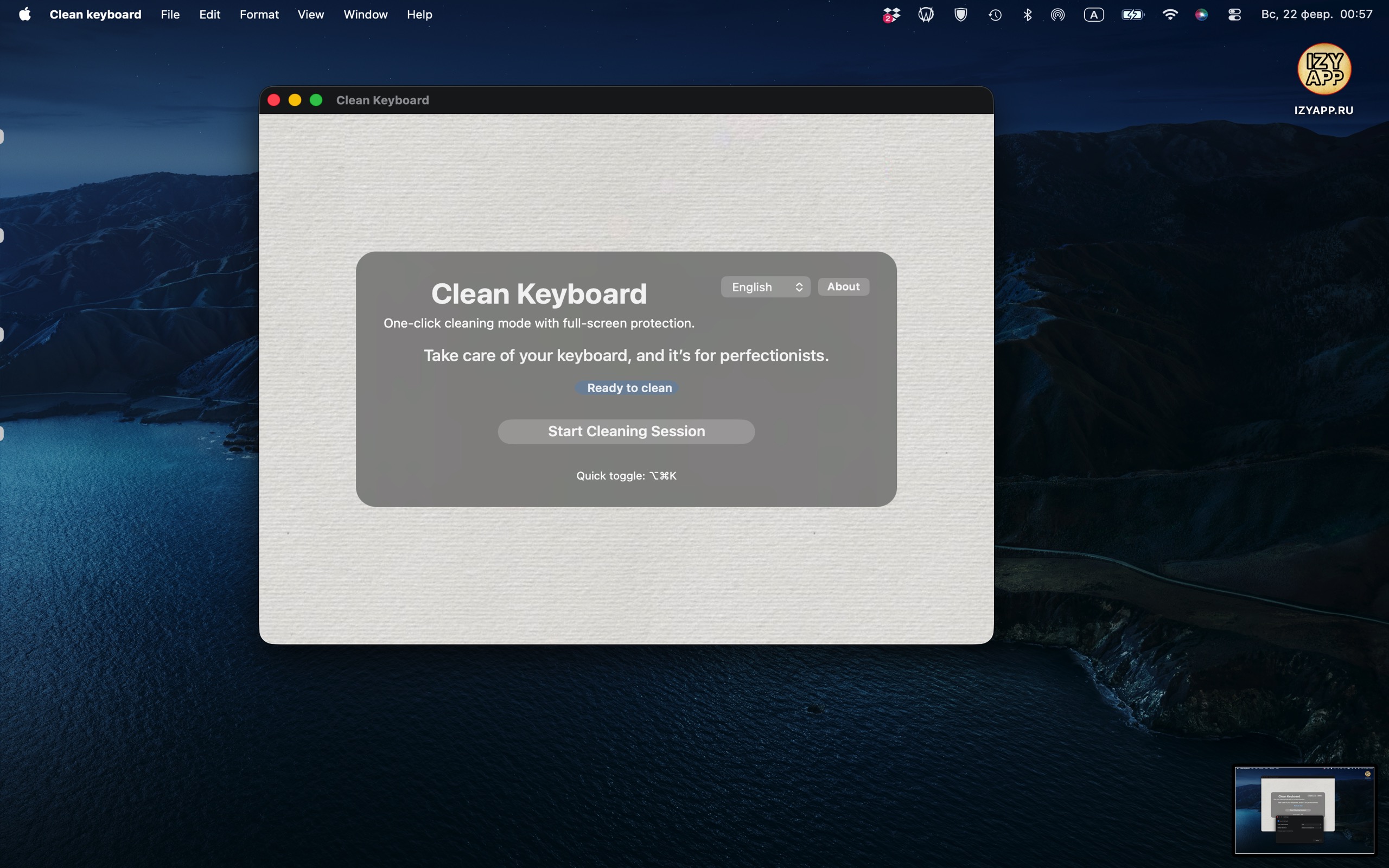
Start a protected cleaning session in one click and focus on the keyboard, not accidental key presses.
Clean Keyboard temporarily minimizes keyboard input, shows a clear fullscreen overlay, and lets you unlock in one tap or with a shortcut.
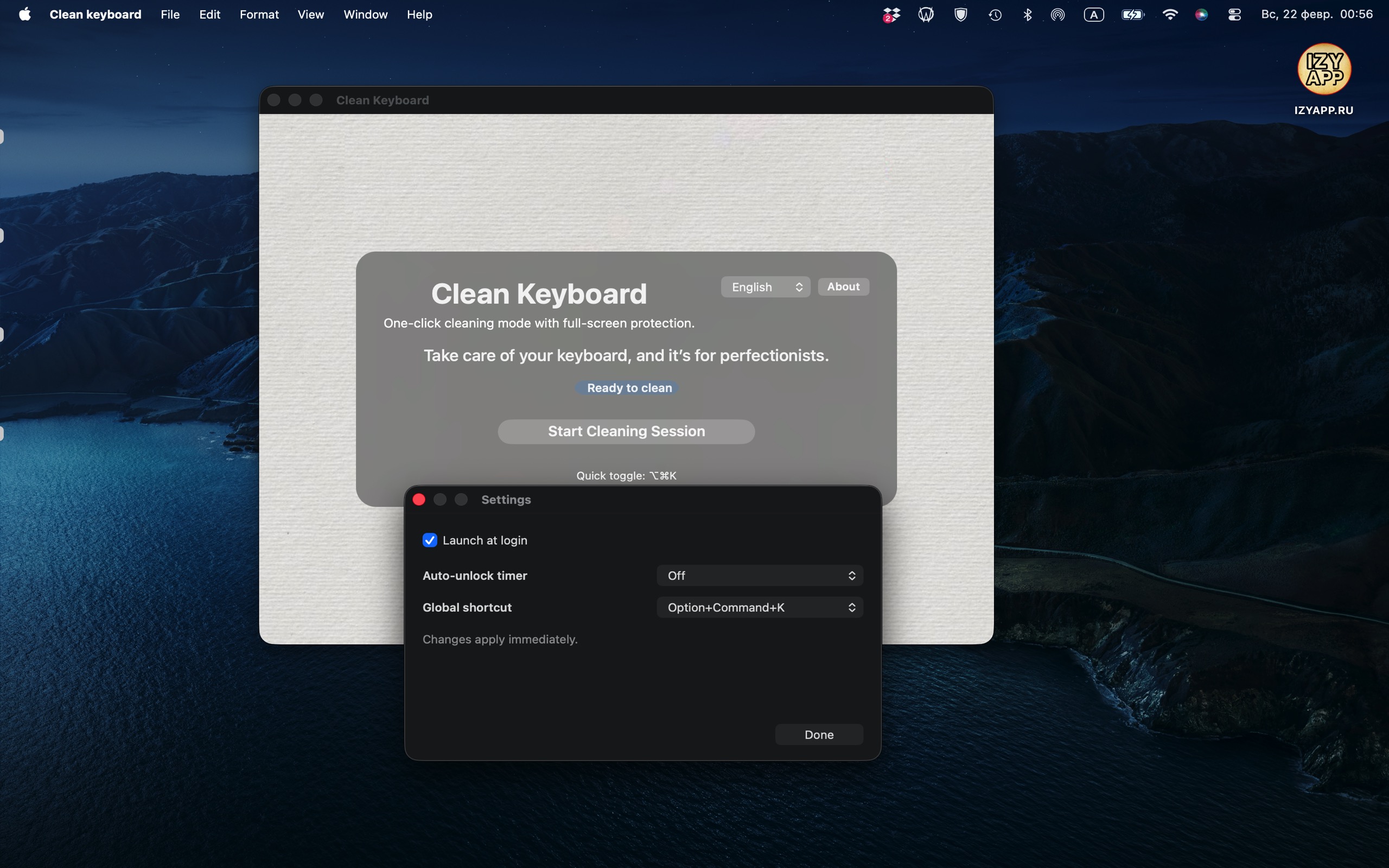
Everything you need for safe keyboard cleaning — without clutter, without lag.
Start a protected cleaning session in one click and focus on the keyboard, not accidental key presses.
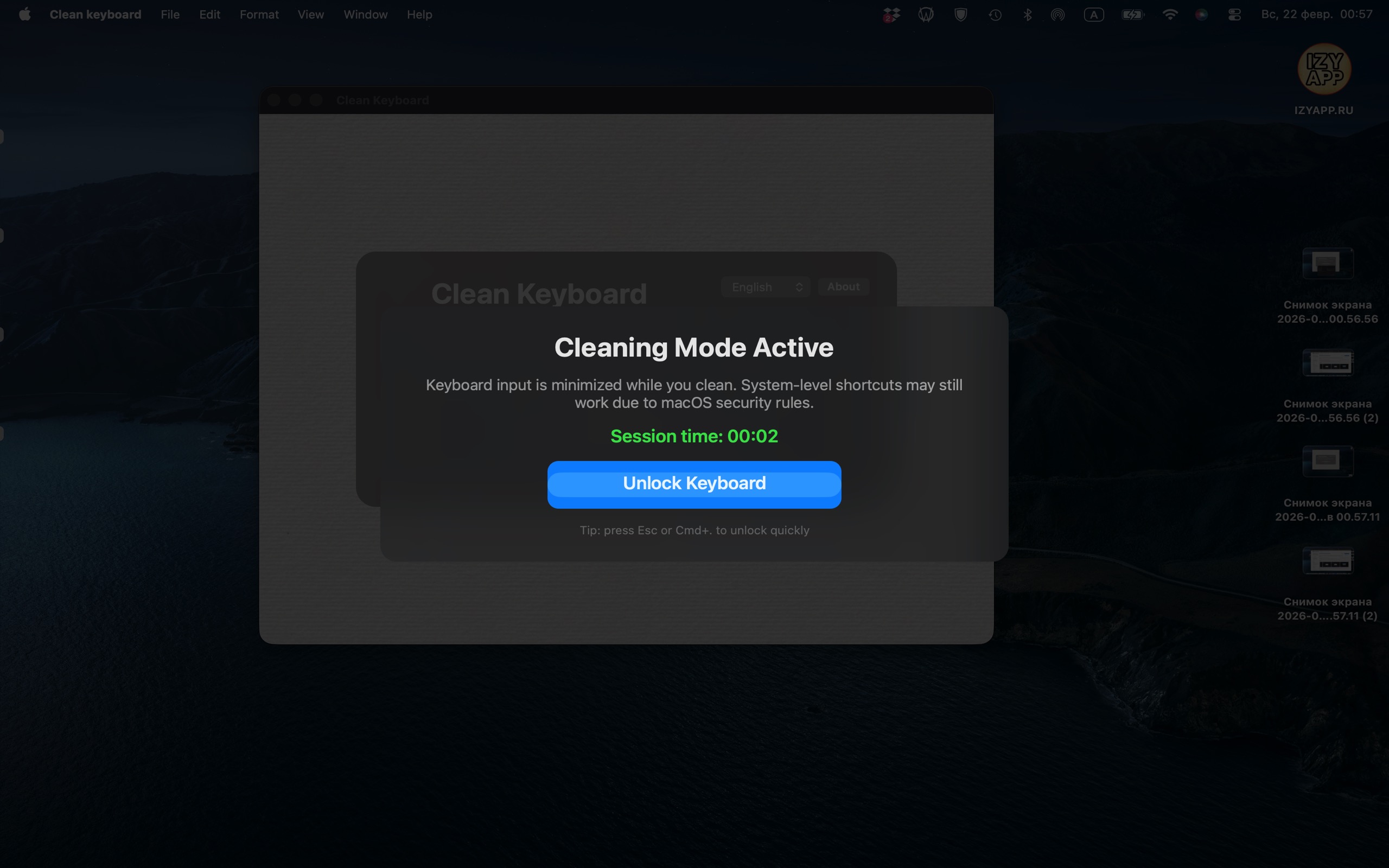
A dimmed, clear screen confirms cleaning mode is active and keeps the experience obvious and safe.
Unlock with the on-screen button, Escape, or your configured shortcut for fast recovery.
Configure launch at login, global shortcut, and auto-unlock timer in settings.
The app supports English, Russian, and German with a consistent, native macOS feel.
Clean Keyboard does not collect, store, or transmit personal data.
Live preview switches language instantly with the selector above.
Built exclusively for macOS and distributed only via the App Store.